The AI Spark: Full User Journeys
There are two primary ways to spark content in Kyroxity: through **Text Prompts** or through **Existing Media**. In this deep dive, we walk through both workflows from start to final review.
The Watch Collection Case Study
We want to generate a multi-platform campaign for a luxury watch sale. Here is the exact process:
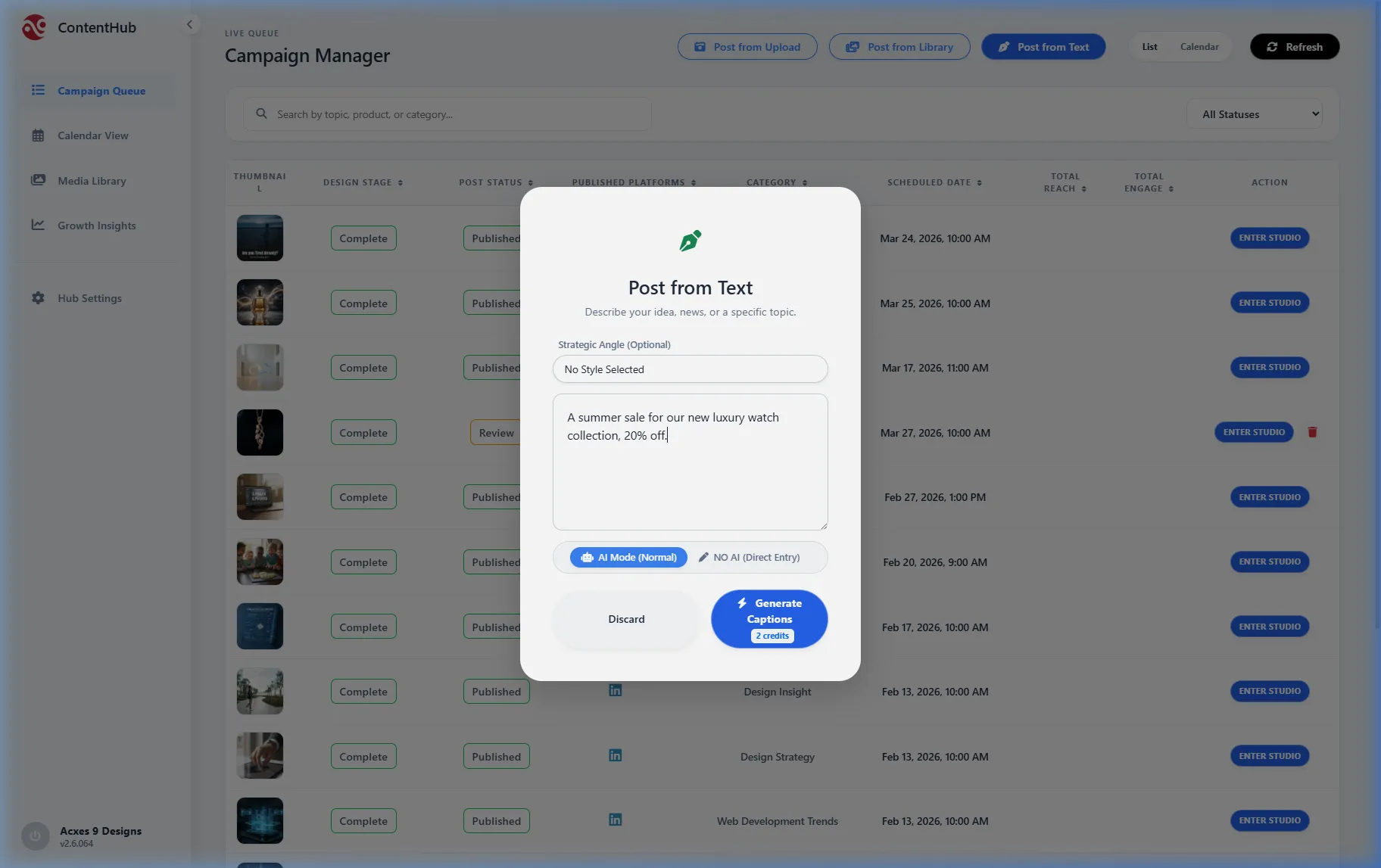
1. The Initial Prompt
Open 'Post from Text' and describe the event. We selected the **Direct Promo** angle to focus on the 20% discount offer.
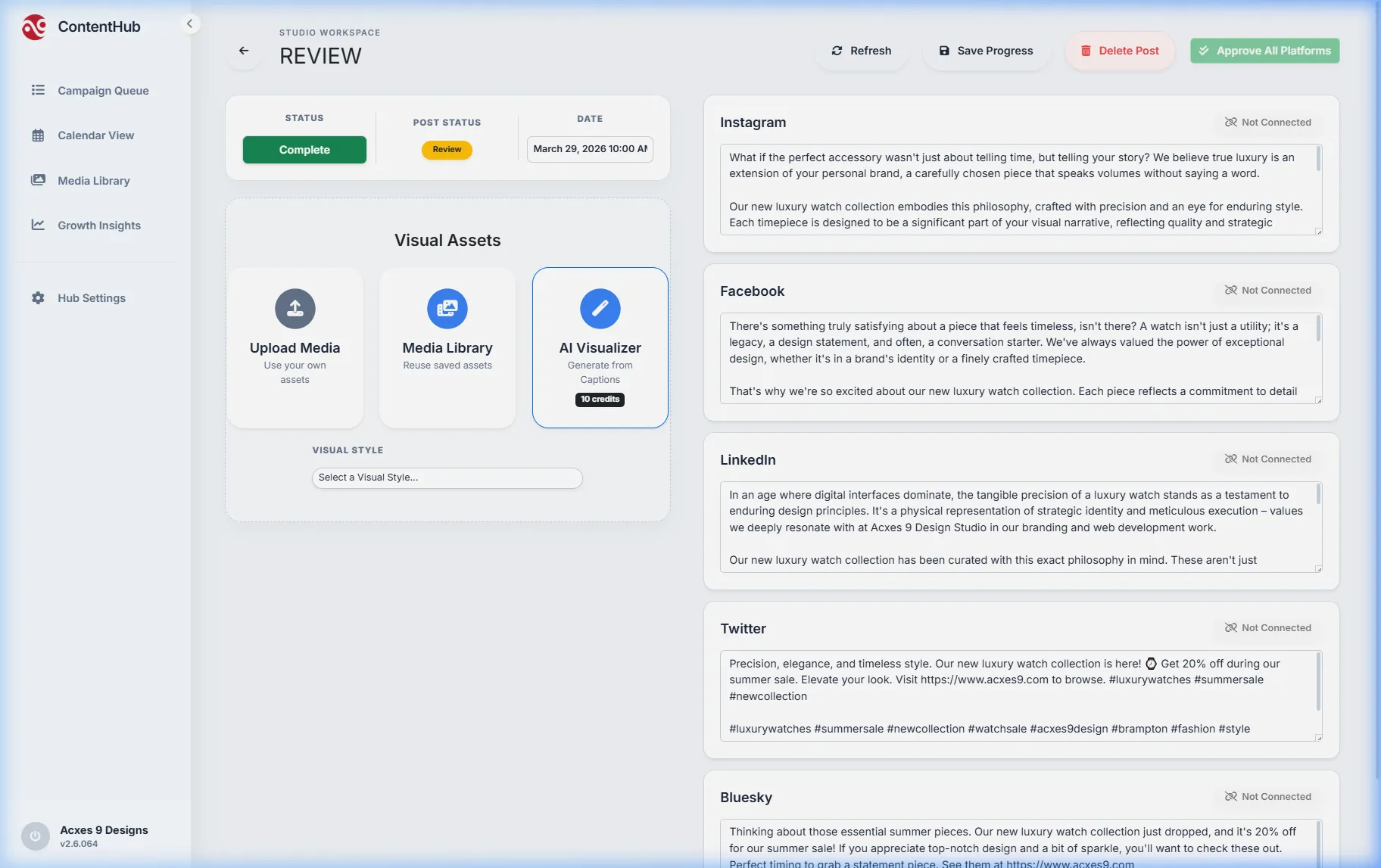
2. AI Drafting Phase
The AI Copywriter generates distinct captions for Instagram, LinkedIn, and Facebook simultaneously, ensuring each fits the platform's specific character limits and culture.
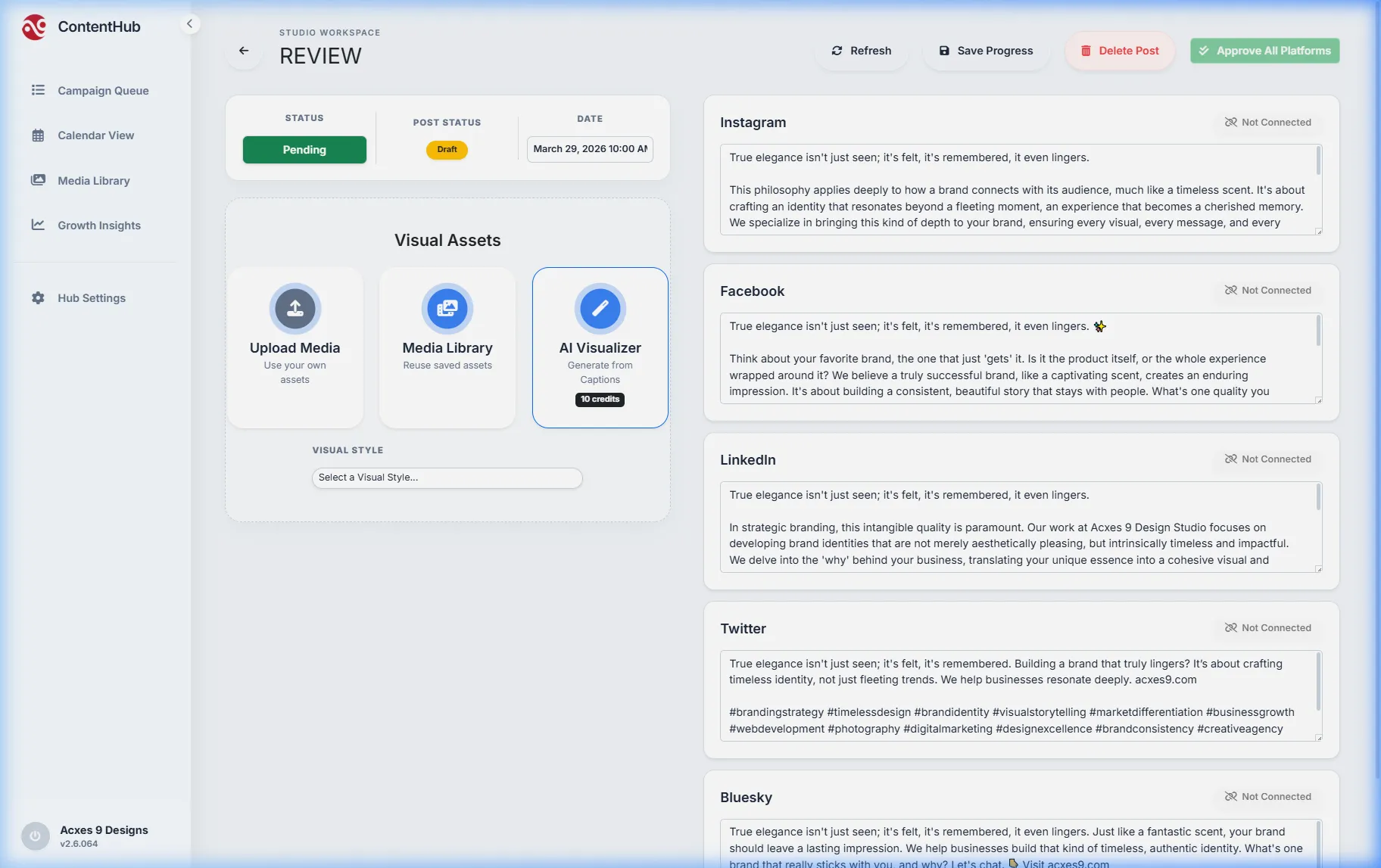
3. Transfer to Studio
Clicking 'Enter Studio' locks the content into a campaign draft. You now have a full workspace to refine the text, add hashtags, and select the final visual hero shot.
The Perfume Bottle Case Study
In this workflow, we start with a visual asset and let the AI interpret its mood and value.
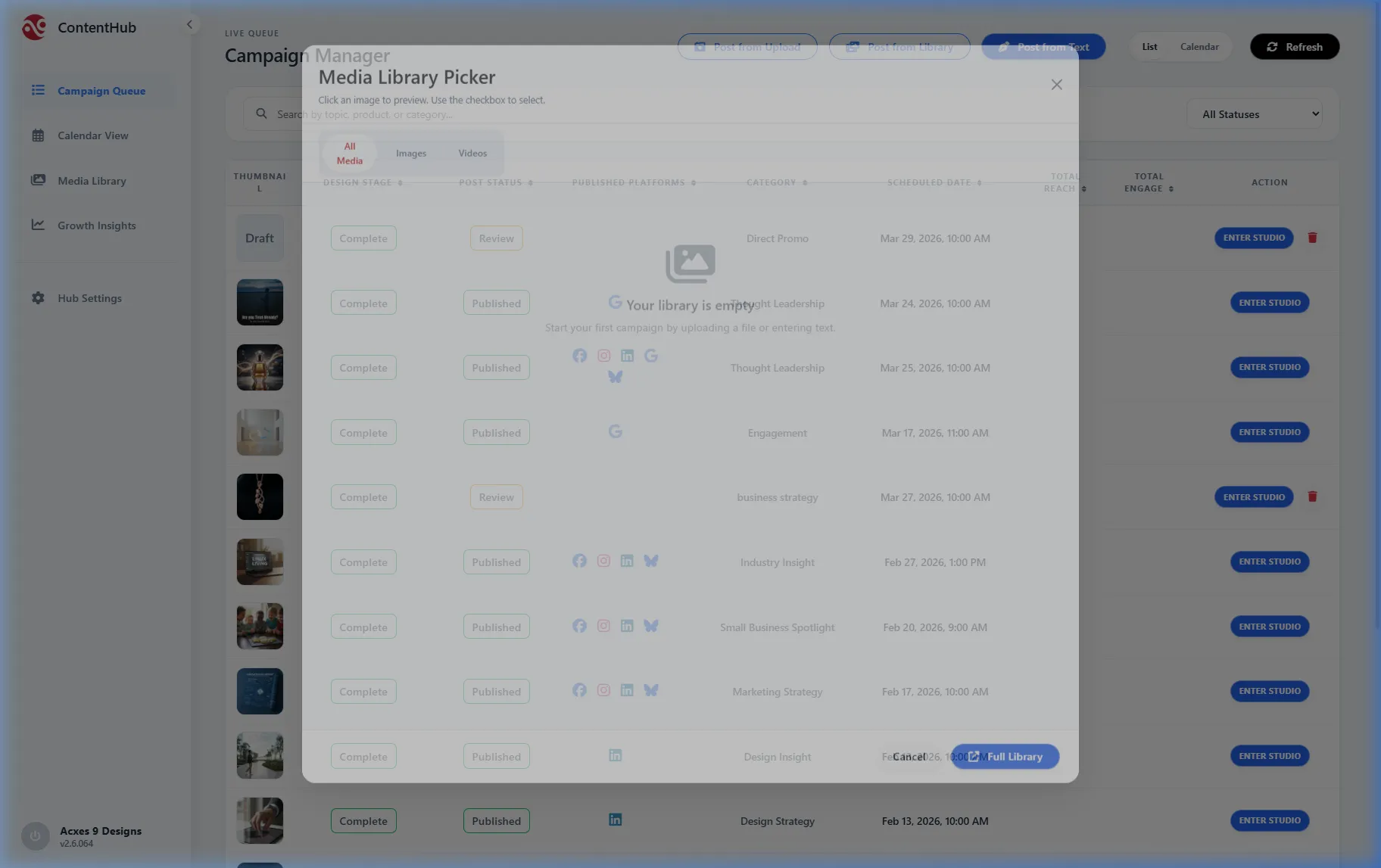
1. Select from Library
Browse your Media Library and select the **perfume_bottle.webp**. High-quality visuals act as the "context" for the AI's content engine.
2. AI Multi-Drafting
The AI writes three distinct narrative paths based on the perfume bottle. It generates "Aesthetic," "Promotional," and "Engagement" options for you to choose from.
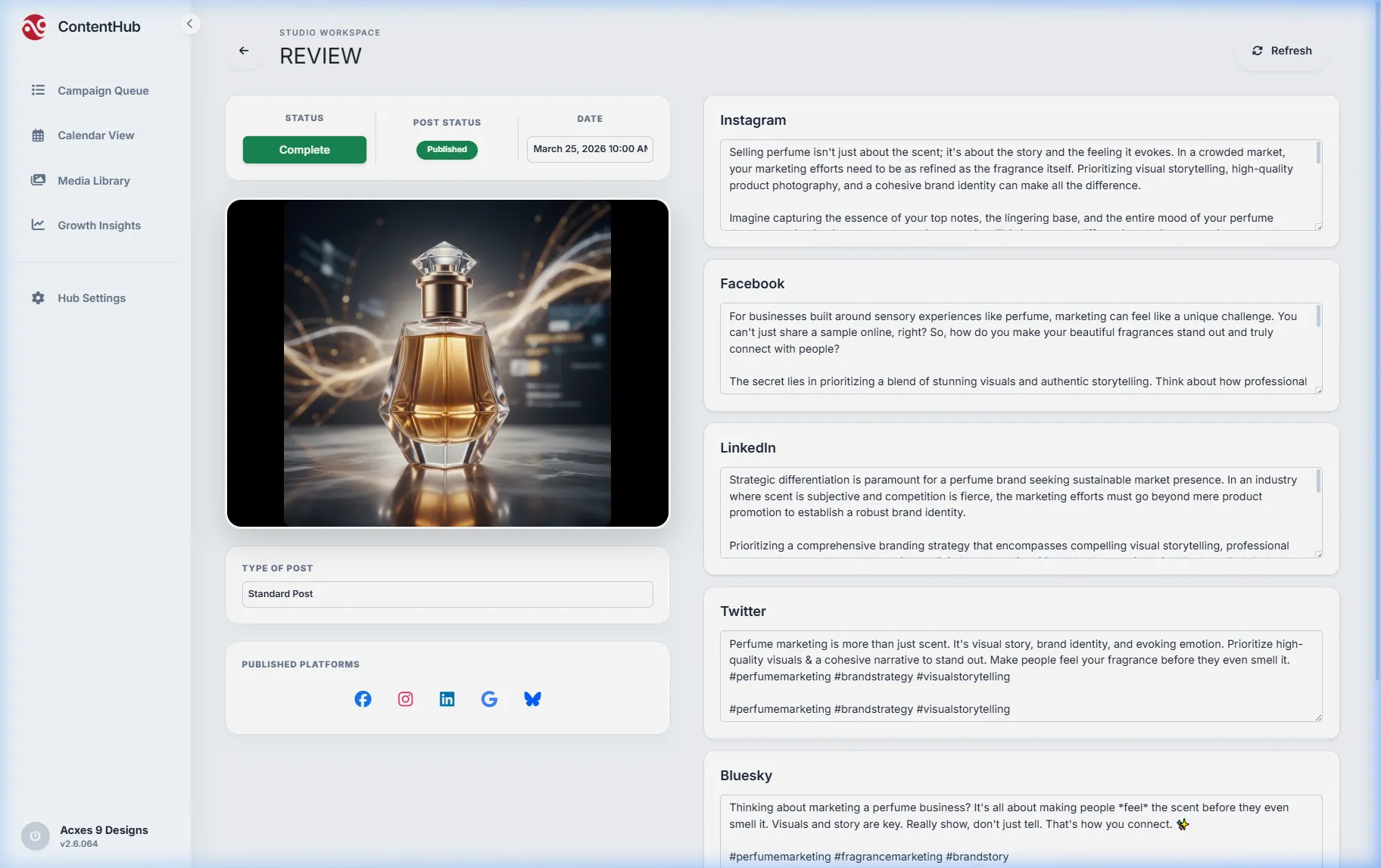
3. The Final Review
Within seconds, we have a fully polished post ready for review. The perfume bottle is perfectly matched with an elegant caption that resonates with luxury shoppers.